 BreakerSonarBreaker finder for one person
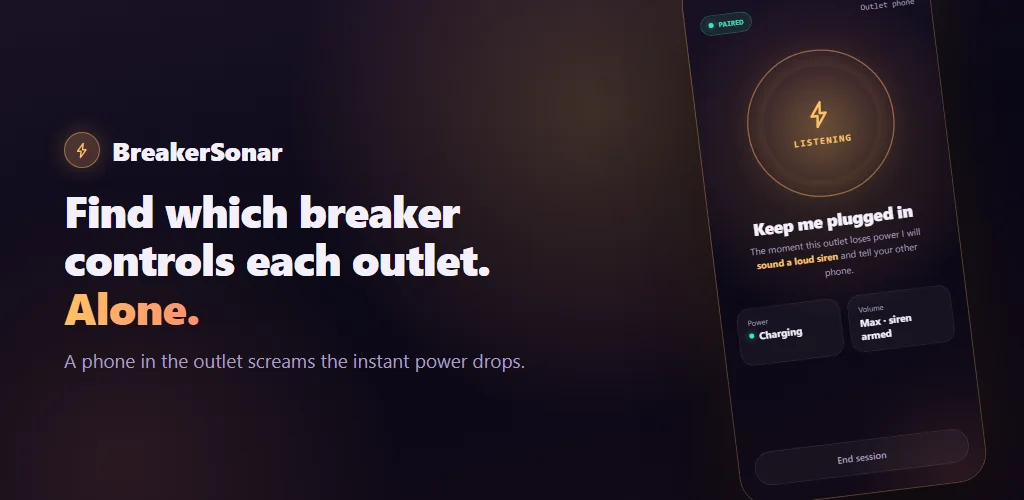
Find which breaker controls each outlet. Alone.
Put an old phone in the outlet and walk to the panel. It screams the instant power drops, and the phone in your hand records which breaker did it. A full panel takes about ten minutes.
Get BreakerSonarScan the code with your phone’s camera, or open the store.


Map as many breakers as you like. The first four labels are readable at no charge; unlocking the whole panel and PDF export is a single one-time purchase — there is no subscription, and mapping is never interrupted to ask.
A mapping switches real breakers off and on: know what is on the circuit first, and never open the panel. Read the rules of safe use before you start — they take a minute and they are the ones that matter.
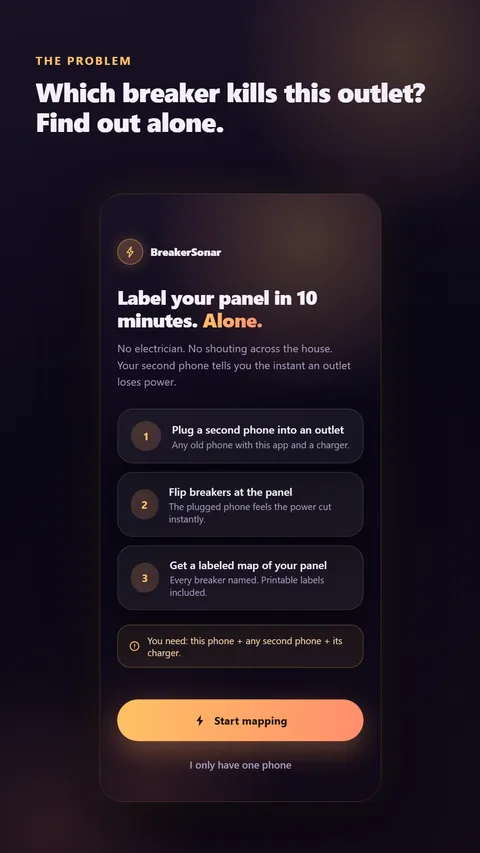
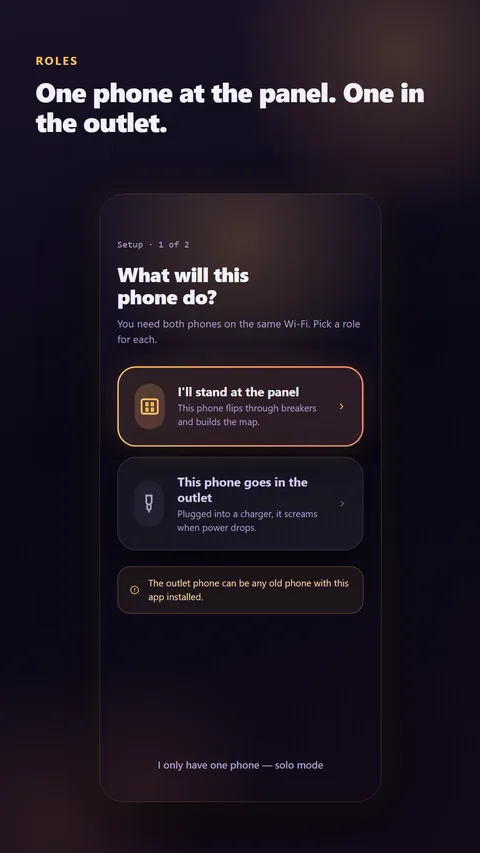
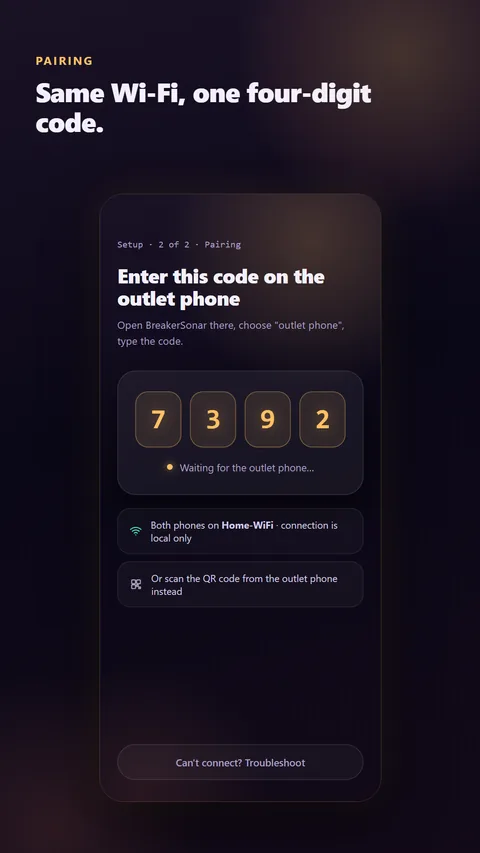
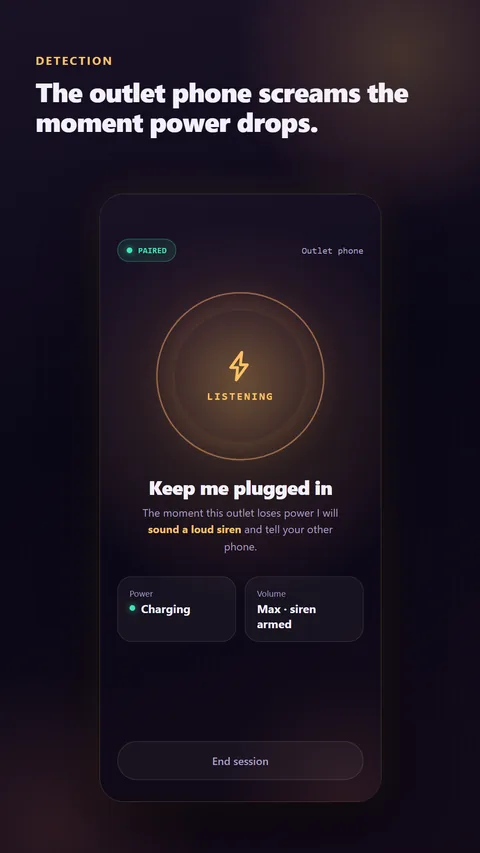
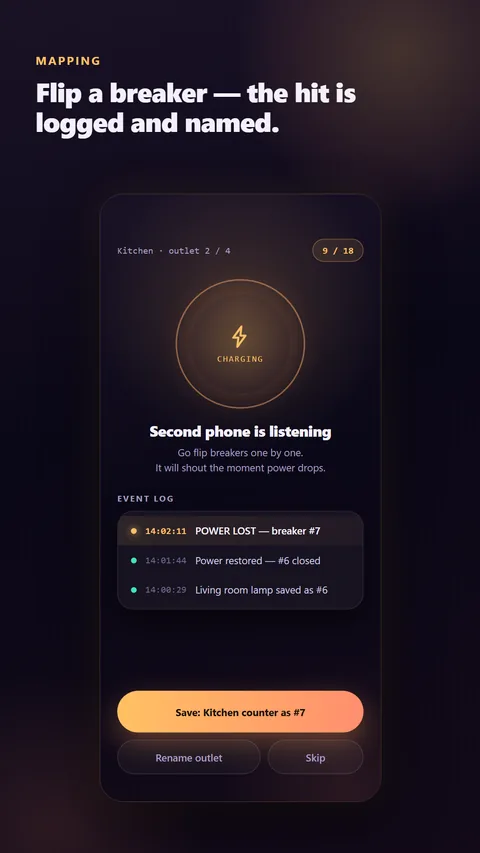
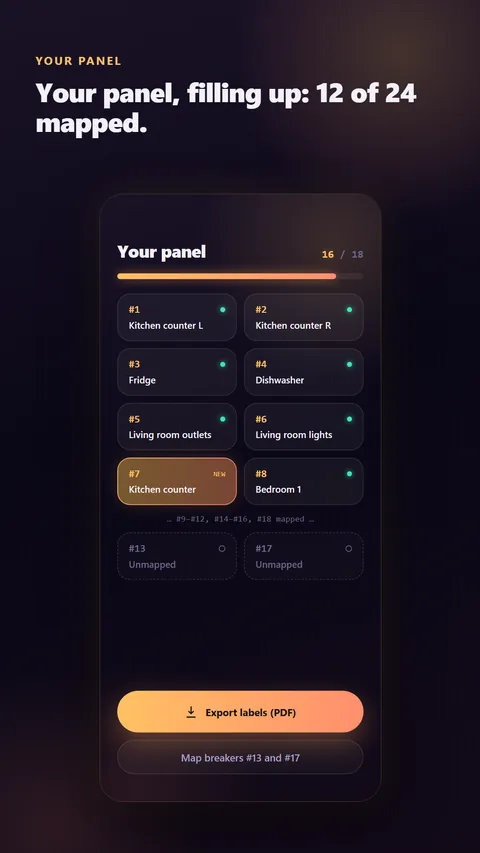
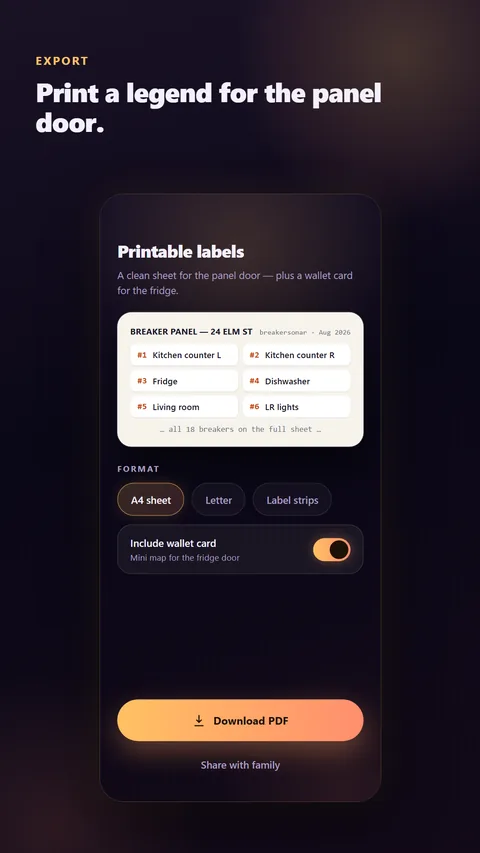
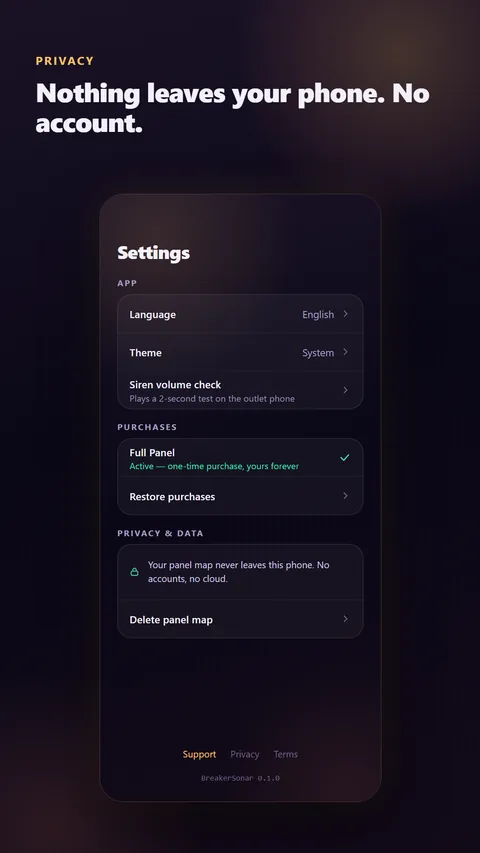
The eight screens from the Google Play listing — swipe.
How it works
- Pick rolesThis phone stays with you at the panel; a second phone goes into the outlet you want to identify.
- Pair themBoth phones on the same Wi-Fi, one four-digit code — or scan the QR.
- Flip breakersEvery power loss is timestamped, sounded and logged. Name the outlet, and the breaker is labelled.
What you get
- A map of your panel: every breaker with the room and the outlet it feeds.
- A printable PDF legend sized for the panel door (A4 or Letter), plus a wallet card for the fuse box.
- Manual entries for circuits you identify by eye — lights, appliances, anything that does not need the second phone.
- Rename, re-map and correct anything later. The map is yours to edit.
- No second phone? Solo mode leaves your phone in the outlet with the siren on and a timestamped log, and matches it against the order you flipped the breakers in.
Your panel map stays on your phone
No account, no sign-up, no cloud, no advertising. Crash reports can be switched off in Settings. Read the privacy policy.
What you need
- Two phones on the same Wi-Fi network. Any old Android phone or iPhone works as the outlet phone.
- A charger for the outlet phone — the charger is what senses the power.
- The outlet phone stays awake with the app open for the length of the session.
BreakerSonar senses power loss through the outlet phone's charger. It does not measure current, trace cables inside walls, or work on circuits without a usable outlet.
Google Play and the Google Play logo are trademarks of Google LLC.